Best 3D Design Tools for Architects in 2025: A Complete Comparison
Compare the top 3D design and visualization tools for architects, landscape designers, and planners. Find the right tool for your workflow and budget.
Finding the Right 3D Tool in 2025
The 3D design landscape has evolved dramatically. From heavyweight desktop applications to browser-based instant tools, architects and designers have more options than ever. Here's how the leading tools compare.
Key Factors to Consider
- Learning curve — How long until you're productive?
- Collaboration — Can clients view designs without software?
- DWG import — Does it work with your existing AutoCAD files?
- Browser-based — Can you work from any device?
- Interactive output — Can clients walk through the design?
Why Browser-Based 3D is Winning
Traditional tools like SketchUp, Rhino, and Lumion produce beautiful results but require desktop installation, powerful hardware, and significant training. The output is typically a static rendering or pre-recorded video.
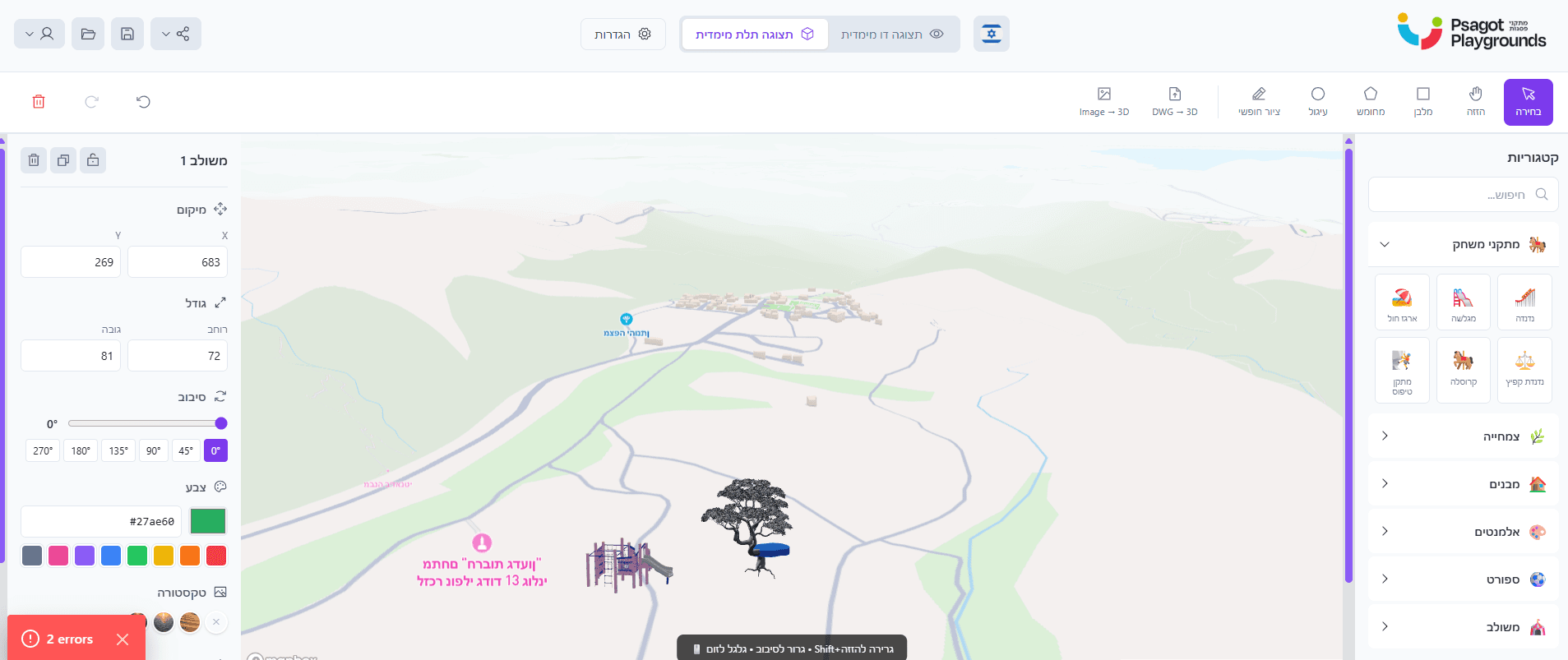
3D Builder takes a different approach: instant browser-based design with interactive walkthrough output. Your clients don't install anything — they click a link and explore.
Feature Comparison
| Feature | 3D Builder | SketchUp | Lumion |
|---|---|---|---|
| Browser-based | ✅ | Partial | ❌ |
| DWG Import | ✅ AI | ✅ | Via import |
| Interactive walkthrough | ✅ | ❌ | Video only |
| Client sharing (no install) | ✅ | ❌ | ❌ |
| Price | From $6/scene | $119/yr | $1,600/yr |