Capture Screenshots and Videos from Your 3D Scenes
February 13, 20261 min read
Learn how to take high-quality screenshots and record video walkthroughs from your 3D designs. Perfect for presentations, social media, and client approvals.
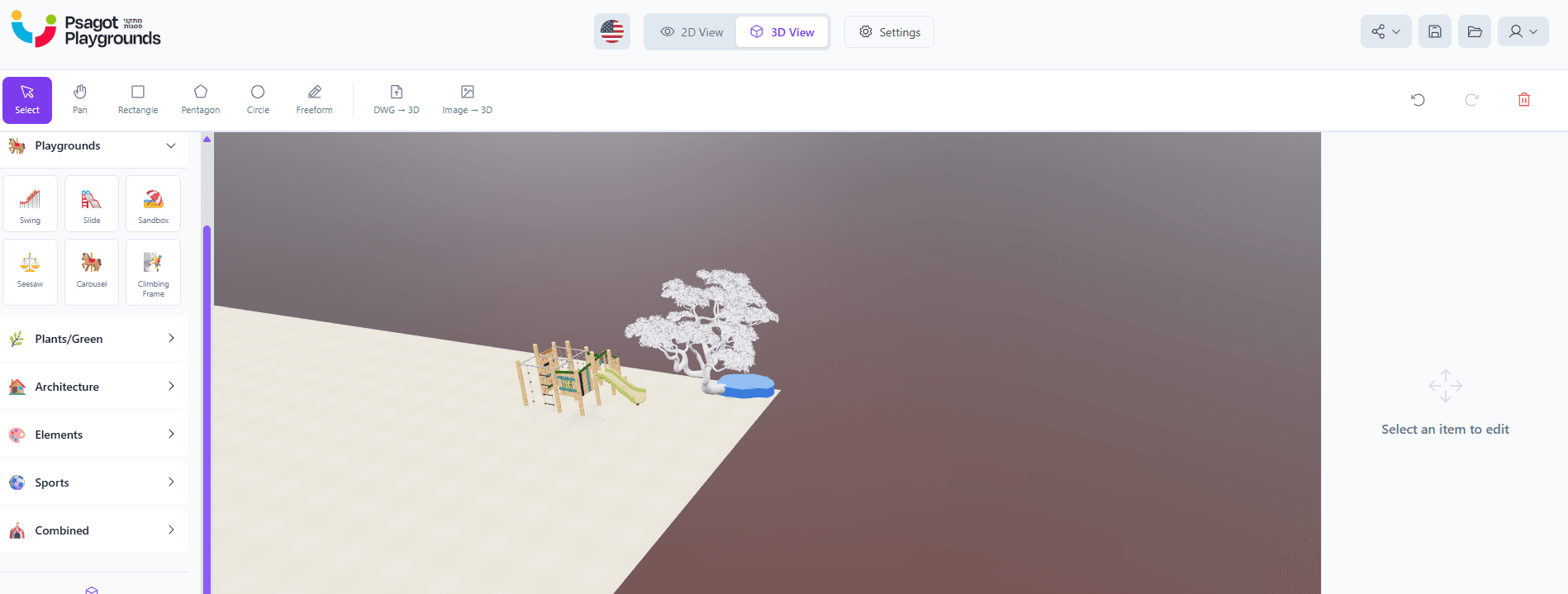
Bring Your 3D Designs to Every Platform
An interactive 3D walkthrough is powerful — but sometimes you need a static image for a proposal or a video for social media. 3D Builder includes built-in capture tools for both.
Screenshot Capture
In any view mode — 2D editor, 3D orbit, or first-person walk — you can instantly capture a high-resolution screenshot. Use screenshots for:
- Project proposals and bid documents
- Social media posts and website portfolios
- Client approval presentations
- Print materials and brochures
Video Walkthrough Recording
Record a guided tour through your 3D scene:
- Enter walk mode or orbit camera
- Click the record button
- Navigate through the space as you narrate
- Stop recording and download the video
Videos are perfect for council presentations, social media marketing, and real estate listings.
Tips for Great Captures
- Set the weather and time of day for mood
- Add ambient music for video walkthroughs
- Use the cinematic orbit for smooth opening shots
- Capture at different scales — overview and detail shots