Create Interactive 3D Walkthroughs for Client Presentations
February 13, 20261 min read
Stop sending flat PDFs. Learn how to create shareable 3D walkthroughs that let clients explore your design from any device. No app installation required.
Why Your Clients Deserve More Than a PDF
You've spent weeks perfecting a design. Then you export it as a PDF, email it to the client, and hope they understand your vision. Sound familiar?
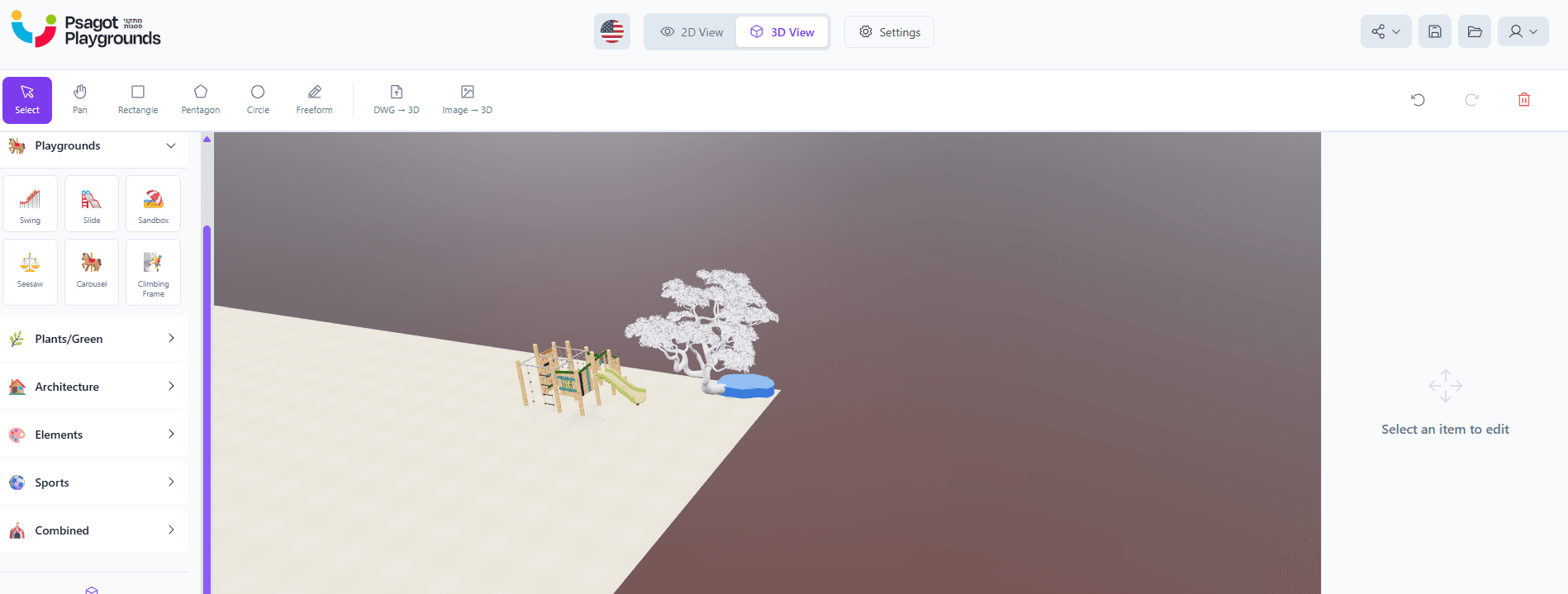
3D Builder gives you a better way. Create an interactive 3D walkthrough that your clients can explore from any device — phone, tablet, or desktop — with no app installation.
What Makes Our Walkthroughs Special
- First-person walk mode — Clients walk through the space using WASD or touch controls
- Orbit and fly camera — Bird's eye views and detailed close-ups
- Screenshot capture — Clients can save their favorite views directly
- Video recording — Record a guided tour to share on social media
- Works everywhere — Browser-based, no downloads or plugins
How to Create a Walkthrough
- Import your DWG plan or build from scratch
- Add objects, textures, and environmental settings
- Click 'Save' to generate a shareable preview link
- Send the link — clients explore instantly
Perfect for landscape presentations, playground proposals, and real estate marketing.