Design Better Playgrounds with 3D Planning Tools
February 13, 20261 min read
Learn how municipalities and designers use 3D visualization to plan safer, more engaging playground spaces. Interactive 3D walkthroughs help stakeholders approve projects faster.
Revolutionize Playground Design with 3D Planning
Designing a playground involves balancing safety, accessibility, creativity, and budget. Traditional 2D plans make it difficult for municipal councils and community stakeholders to visualize the final result. 3D Builder changes that completely.
Why 3D Matters for Playground Projects
Playground designs must be approved by committees who may not be able to read technical drawings. With an interactive 3D walkthrough:
- Committee members can virtually walk through the proposed space
- Parents and community can provide feedback on actual spatial experience
- Safety officers can verify sight lines and spacing
- Video recordings of the 3D walkthrough can be presented in council meetings
How to Create a 3D Playground Design
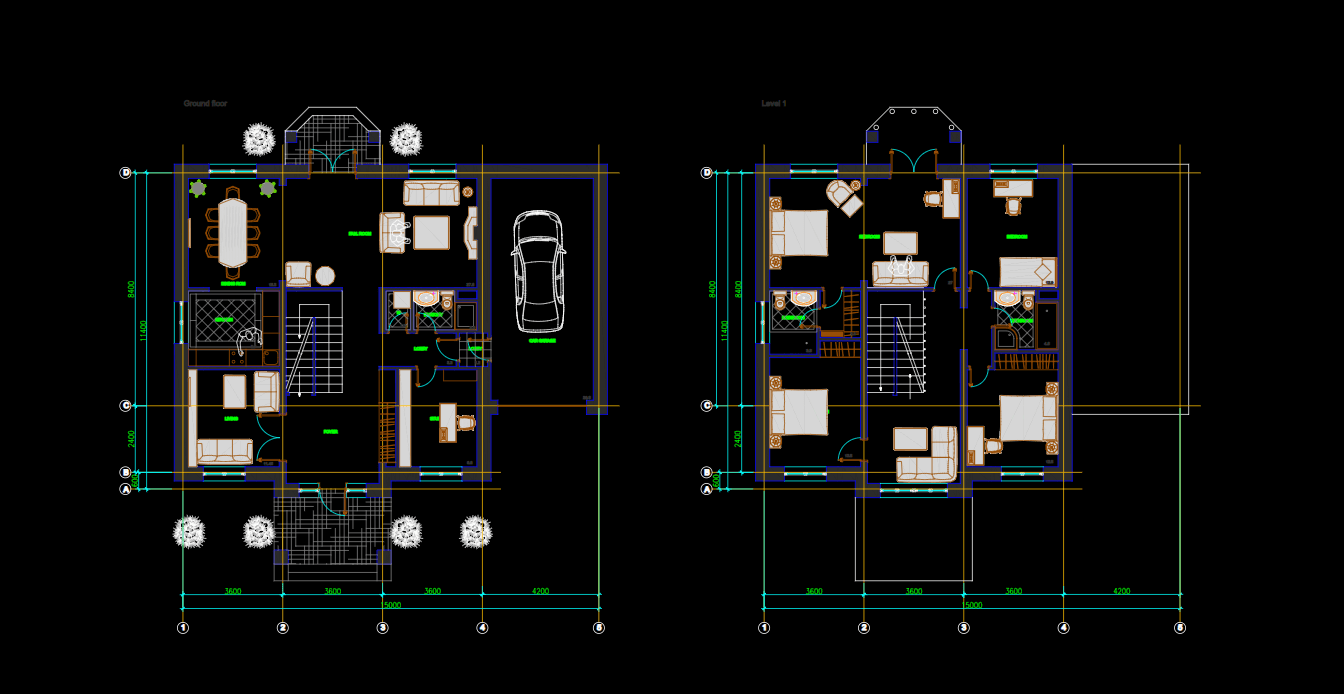
- Import your site plan — Upload a DWG file or start from scratch
- Place equipment — Drag swings, slides, climbing structures from our library
- Add landscaping — Trees, bushes, and ground materials
- Set the environment — Choose sky, weather, and surrounding context
- Share the link — Anyone can explore on any device, no app required